Suction strokerWi-Fi
Control the VacuGlide 2 from your browser
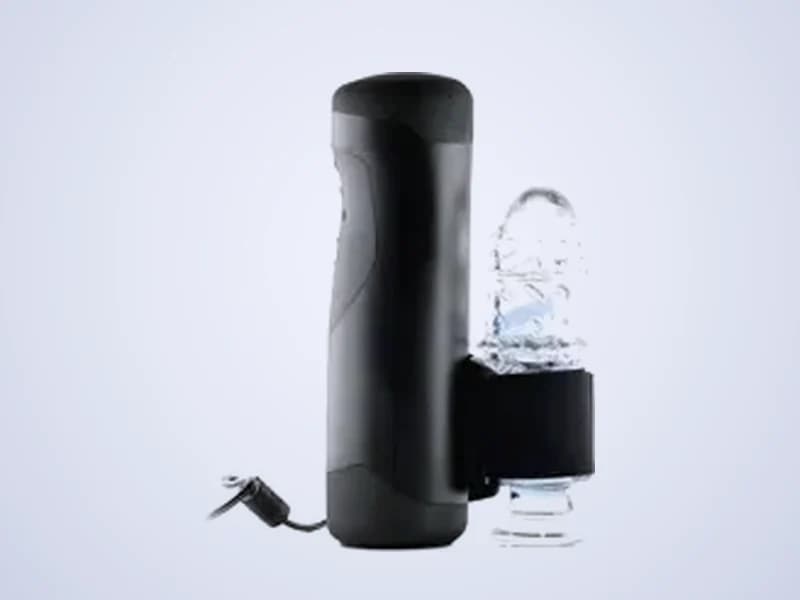
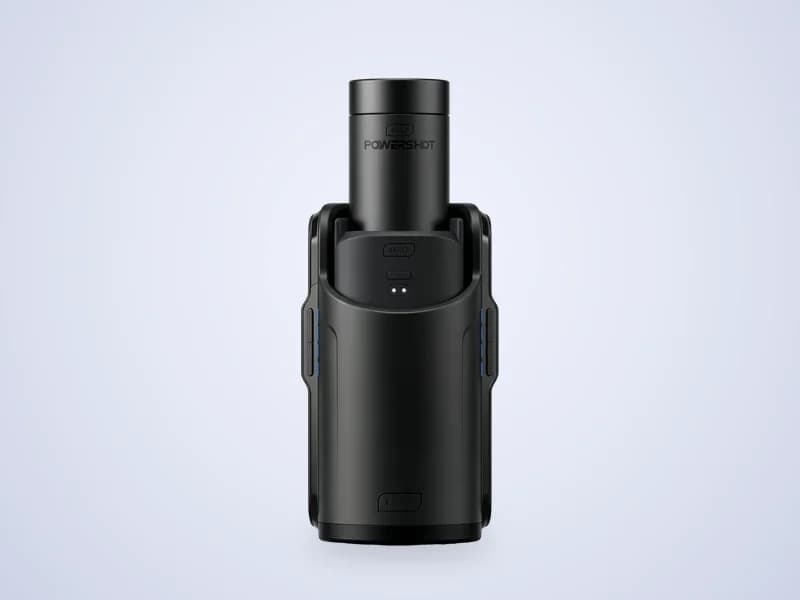
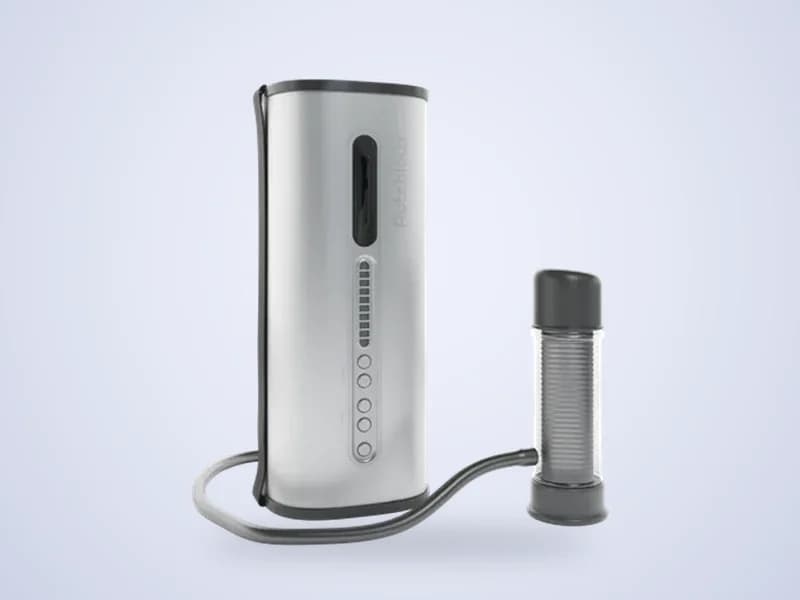
The VacuGlide 2 from Autoblow strokes and adds suction. ToyController connects with your device token and gives you live control, a partner remote, funscript playback and the suction valve.
- Speed, stroke and patterns
- Phone and partner remote
- Funscripts with video
- Live streams: not available
How to connect the VacuGlide 2
- 1Set up your VacuGlide 2 and connect it to Wi-Fi.
- 2Copy your device token from the VacuGlide app.
- 3Open ToyController, choose Control my toy and press Add a toy.
- 4Pick VacuGlide, paste the device token and press Connect.
- 5Set Speed and Stroke, then press Start. Open More controls for suction.
Tips
- Use the valve under More controls to change the suction while it moves.
Key facts
- Maker
- Autoblow
- Connects with
- Device token over Wi-Fi
- Motion
- Stroking with suction
- Extras
- Suction valve, 30 built-in patterns and a sync offset
VacuGlide 2 questions
Can I control the VacuGlide 2 suction?
Yes. Open More controls on the control screen. The valve setting changes the suction live.
Does the VacuGlide 2 play funscripts?
Yes. Choose a .funscript file on the Scripts page and press Play.