Automatic strokerBluetooth
Control the Kiiroo KEON from your browser
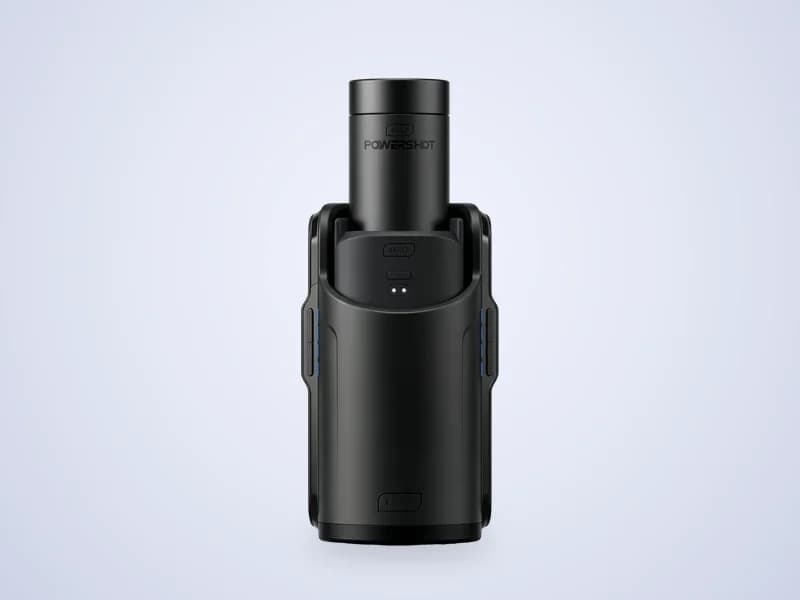
The KEON is a Bluetooth stroker from Kiiroo. Pair it once with your phone or computer and ToyController controls it like any other toy, including from a partner's phone.
- Speed, stroke and patterns
- Phone and partner remote
- Funscripts with video: not available
- Live streams: not available
How to connect the Kiiroo KEON
- 1Charge the KEON and turn it on.
- 2In ToyController, press Add a toy and pick Bluetooth toy.
- 3Open the phone screen it shows, on your phone or in a new tab, and pair the KEON there.
- 4Type the code the phone screen shows and press Connect.
- 5Keep the phone screen open while you play.
Tips
- Bluetooth pairing needs Chrome or Edge. On iPhone, use a Web Bluetooth browser such as Bluefy.
Key facts
- Maker
- Kiiroo
- Connects with
- Bluetooth, paired in Chrome or Edge
- Stroke
- Up to 75 mm
- Speed
- Up to 230 strokes per minute
Kiiroo KEON questions
Does the Kiiroo KEON work in a browser?
Yes. Pair it in Chrome or Edge through ToyController's phone screen. No Kiiroo app is needed.
Can a partner control my KEON from far away?
Yes. Once the KEON is paired, press Use a phone remote and send the link to your partner.