Control The Handy from your browser
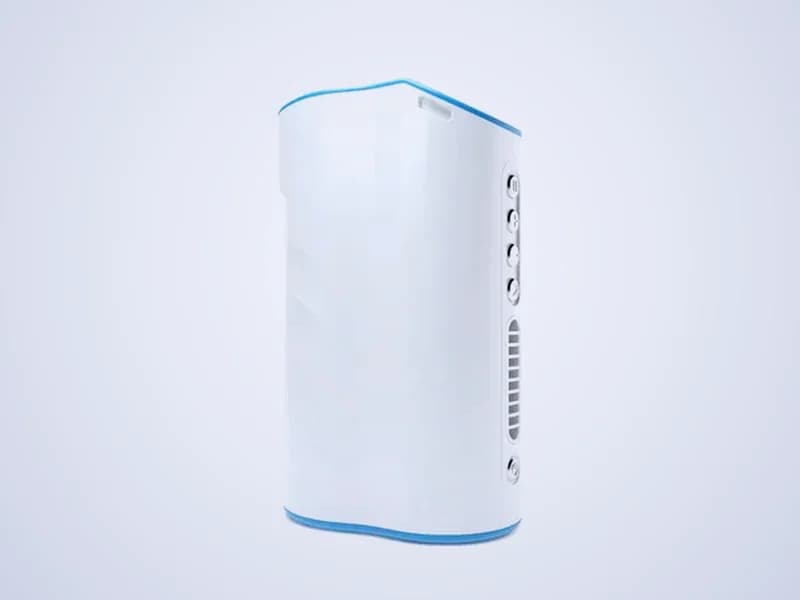
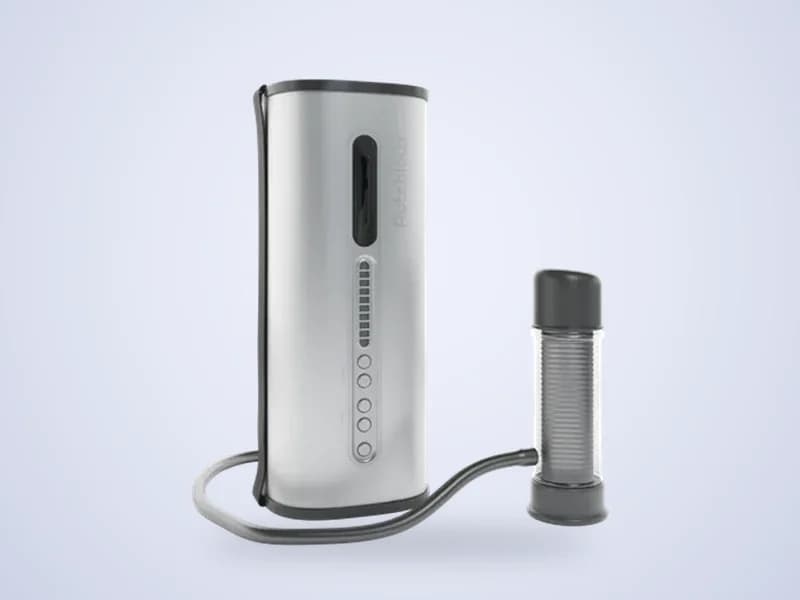
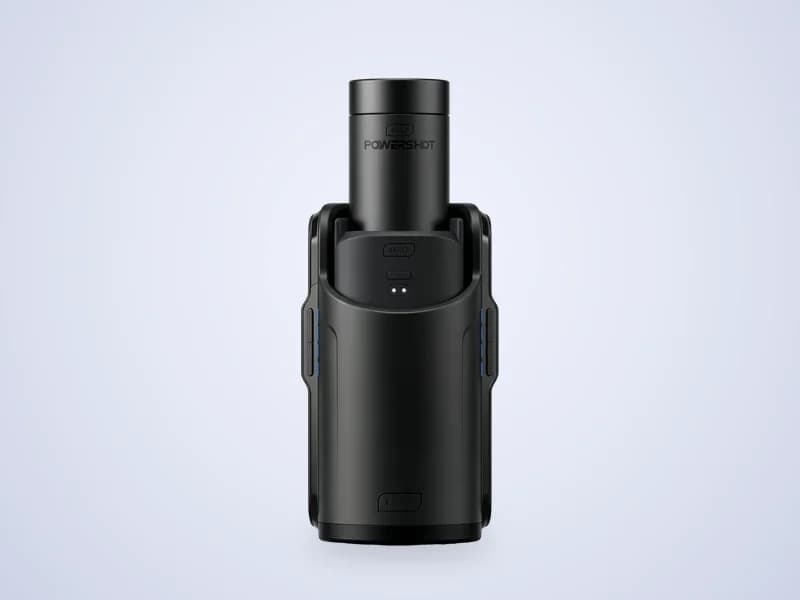
The Handy is an automatic stroker from Ohdoki in Norway. ToyController drives it over Wi-Fi with your connection key, so you can control it from any browser, hand it to a partner, sync it to a funscript or let it follow a live stream.
- Speed, stroke and patterns
- Phone and partner remote
- Funscripts with video
- Live streams
How to connect The Handy
- 1Set up The Handy in the Handy Onboarding App and join your 2.4 GHz Wi-Fi.
- 2Copy your connection key from the app or from Handyverse.
- 3Open ToyController, choose Control my toy and press Add a toy.
- 4Pick The Handy, paste the connection key and press Connect.
- 5Set Speed and Stroke, then press Start.
Tips
- The Handy only joins 2.4 GHz Wi-Fi. Hotel Wi-Fi with a login page will not work, so use a phone hotspot there.
- Keep the firmware up to date in Handyverse.
- Keep your connection key private. Anyone with it can move your Handy.
Key facts
- Maker
- Ohdoki, formerly Sweet Tech, Norway
- Models
- The Handy 1, The Handy 2 and The Handy 2 Pro
- Connects with
- Connection key over Wi-Fi (2.4 GHz)
- Stroke
- Up to 110 mm on the Handy 1, 125 mm on the Handy 2
- Extras
- Vibration control on Handy devices with vibration motors
The Handy questions
Where do I find my Handy connection key?
It is in the Handy Onboarding App and in Handyverse. Copy it and paste it into ToyController when you add The Handy.
Does ToyController work with The Handy 2 and The Handy 2 Pro?
Yes. ToyController supports The Handy 1, The Handy 2 and The Handy 2 Pro. They all connect with the same connection key.
Can my partner control my Handy from far away?
Yes. Press Use a phone remote on the control screen and send the link. Your partner opens it on any phone and controls your Handy over the internet. You see every stroke they send and can disconnect them at any time.
Can I play funscripts on The Handy with ToyController?
Yes. Open Scripts, choose a .funscript file and add the matching video if you like. The Handy follows the script in sync with the video.