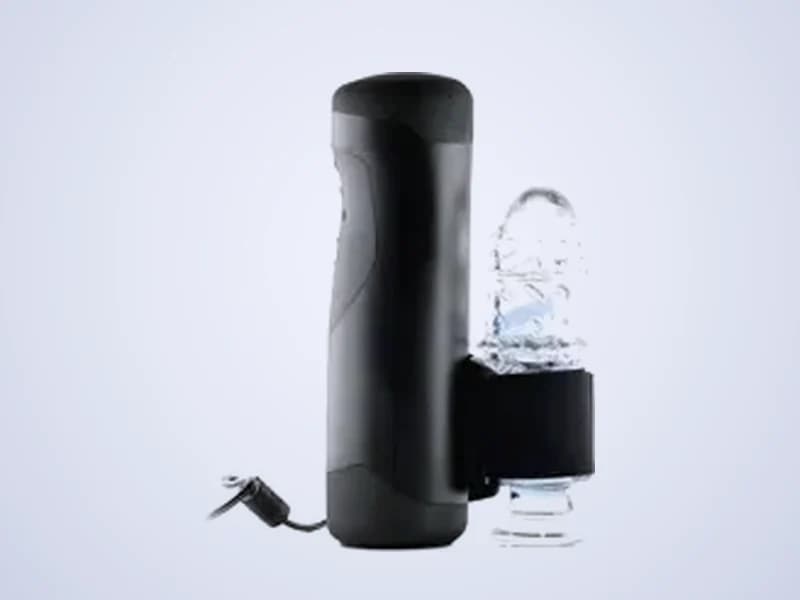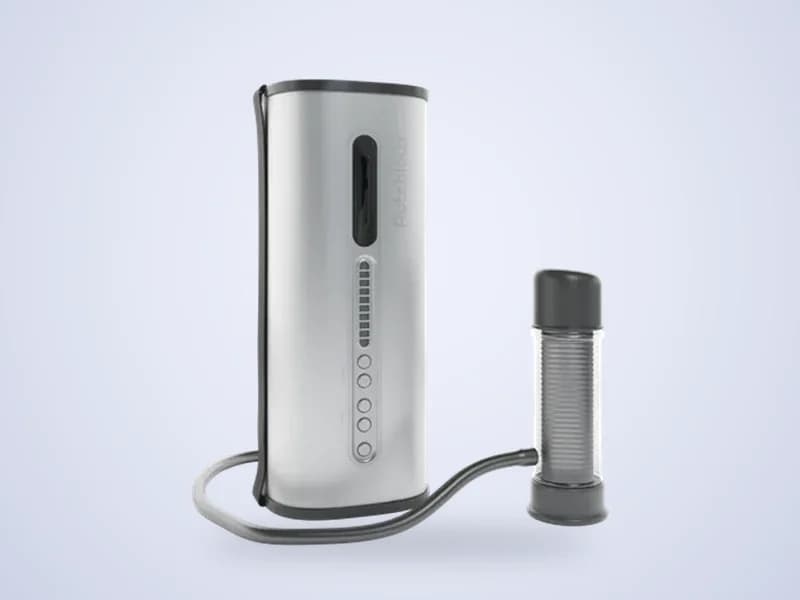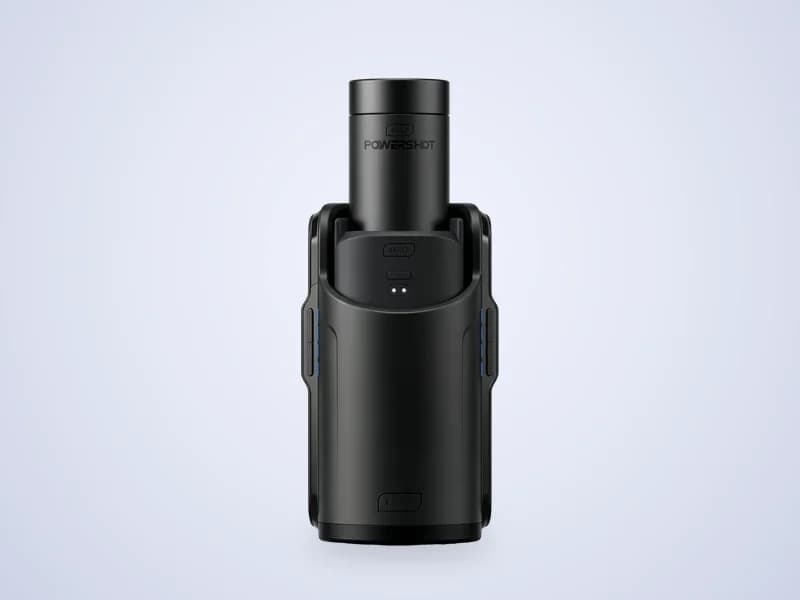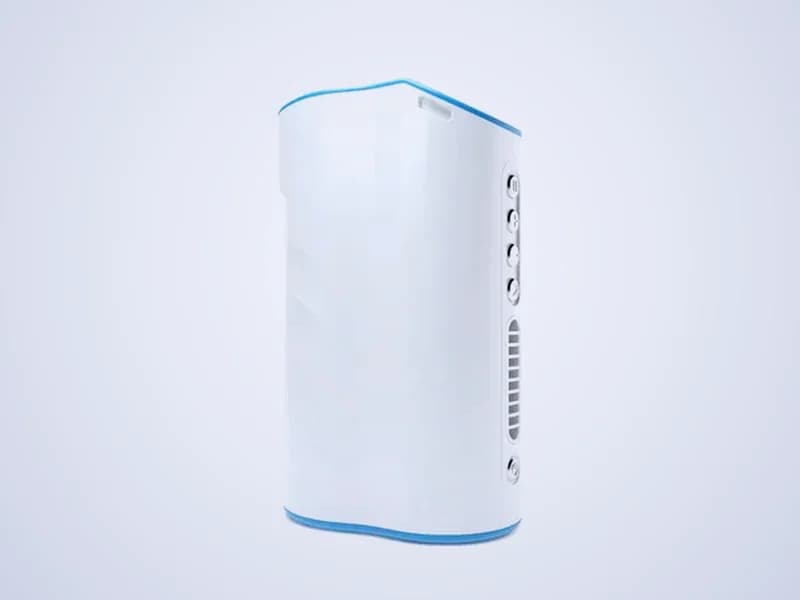
Automatic strokerWi-Fi
Control the Autoblow AI Ultra from your browser
The Autoblow AI Ultra is a Wi-Fi stroker from Autoblow. ToyController connects to it with your device token and controls it through Autoblow's cloud, with live speed and stroke control, partner remote, funscripts and live streams.
- Speed, stroke and patterns
- Phone and partner remote
- Funscripts with video
- Live streams
How to connect the Autoblow AI Ultra
- 1Set up your Autoblow AI Ultra and connect it to Wi-Fi.
- 2Copy your device token from the Autoblow app.
- 3Open ToyController, choose Control my toy and press Add a toy.
- 4Pick Autoblow, paste the device token and press Connect.
- 5Set Speed and Stroke, then press Start.
Tips
- Open More controls to play one of the AI Ultra's built-in patterns.
- If a funscript feels early or late, move the sync offset on the Scripts page.
Key facts
- Maker
- Autoblow
- Connects with
- Device token over Wi-Fi
- Motion
- Full length stroking
- Extras
- Built-in patterns with their own speed, and a sync offset
Autoblow AI Ultra questions
Where do I find my Autoblow device token?
It is shown in the Autoblow app for your device. Paste it into ToyController when you add an Autoblow.
Can I play funscripts on the Autoblow AI Ultra?
Yes. Open Scripts, choose a .funscript file and an optional video, and press Play. The AI Ultra follows the script.
Can viewers sync an Autoblow to my live stream?
Yes. Viewers who join your live session can pick Autoblow, paste their device token and feel what you send.