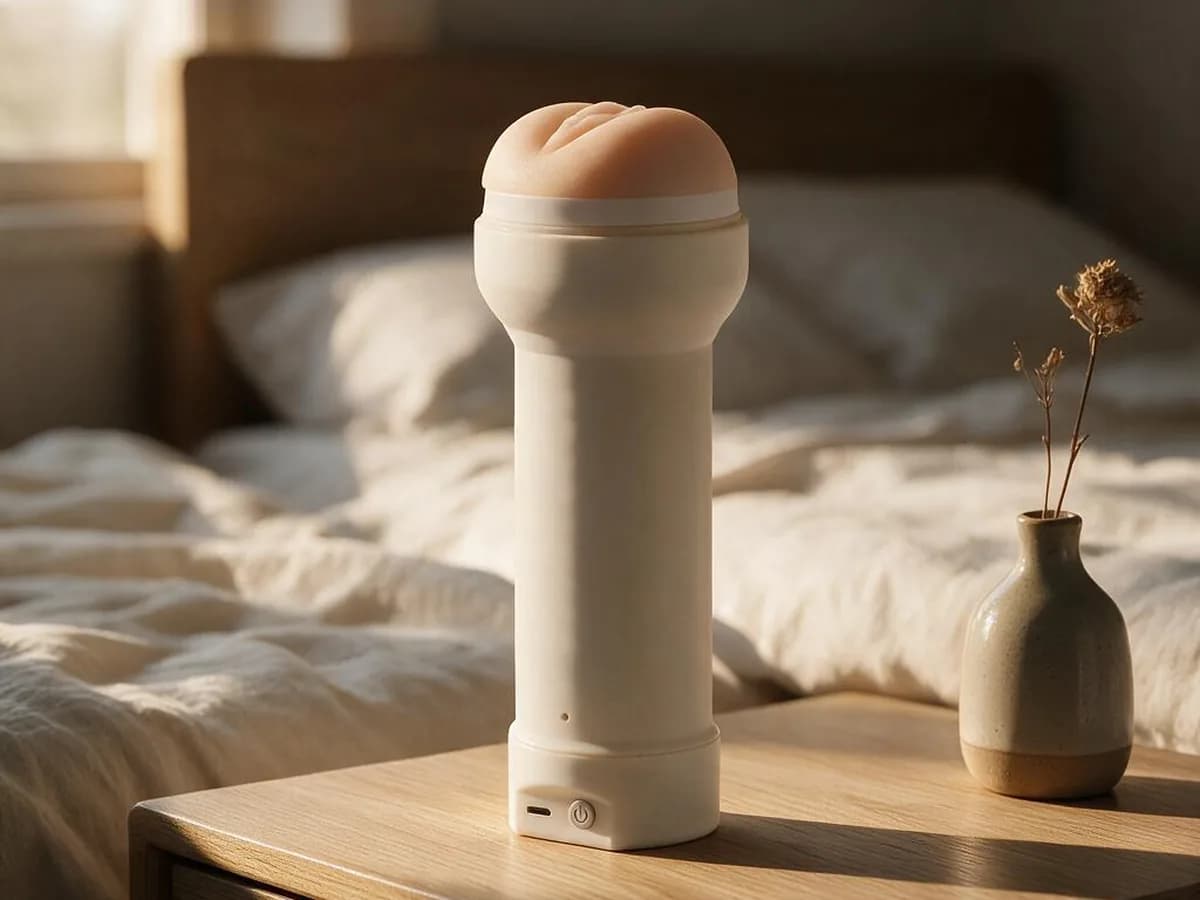

Made by usPressure sensor sleeve holderBluetooth
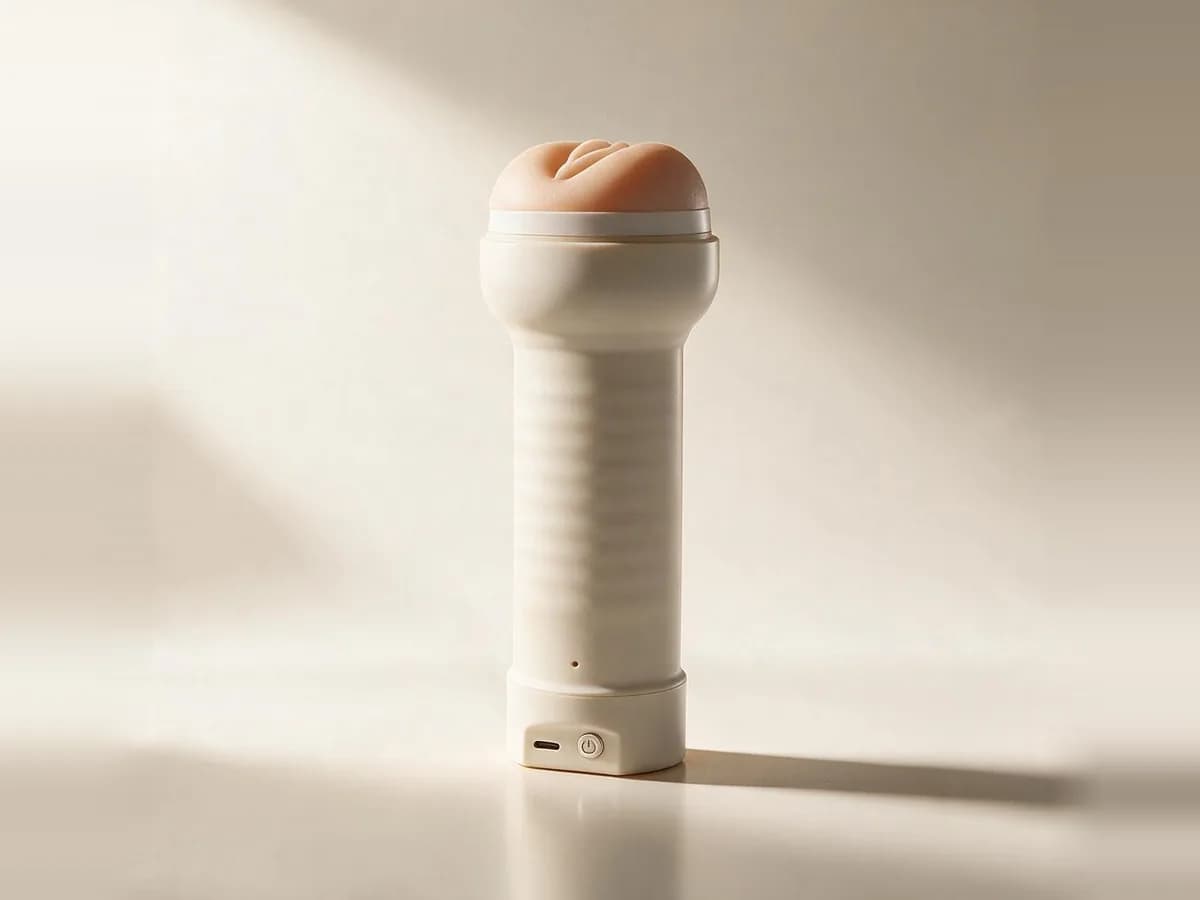
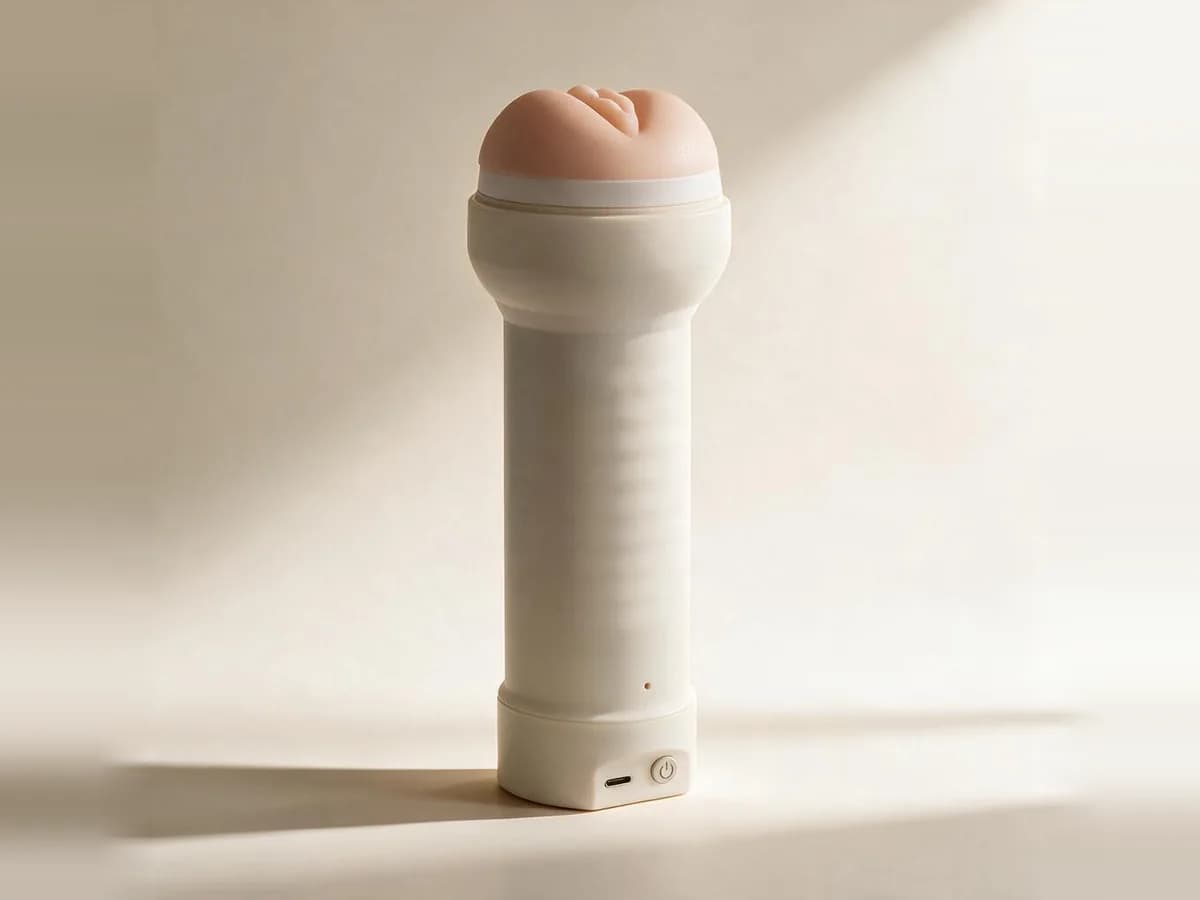
SynKink F1
Our own sleeve holder with 8 pressure sensors along its full length. It reads your stroke, depth and speed 50 times a second, and ToyController turns them into motion on your other toys.
- sensors
- 8
- read rate
- 50 Hz
- weight
- 180 g
- battery
- 2 to 3 h
- Drives your other toys
How to connect the SynKink F1
- 1Charge the SynKink F1 and turn it on.
- 2Open Advanced in ToyController and add an input.
- 3Open the phone screen and pair the SynKink F1 there.
- 4Add your toy as an output and link the two.
Tips
- The linked toy follows your strokes: how deep you go and how fast.
- Charge it fully before a long session. One charge lasts 2 to 3 hours.
Key facts
- Maker
- Telemacy
- Sensors
- 8 pressure sensors along the full length
- Read rate
- 50 times a second
- Connection
- Wi-Fi and Bluetooth 5.0
- Battery
- 1000 mAh, 2 to 3 hours of use
- Charging
- USB-C
- Size
- 185 mm tall, 69 mm wide at the base
- Insertable
- 155 mm
- Weight
- 180 g without sleeve
- Finish
- 3D printed or smooth resin
- Firmware
- Updates over Wi-Fi
SynKink F1 questions
What does the SynKink F1 do in ToyController?
It works as an input. Your stroke, depth and speed drive any toy you link it to.
Where can I buy the SynKink F1?
On synkink.com. It comes in a 3D printed version and a smooth resin version.
How long does the battery last?
2 to 3 hours of use on one charge. It charges over USB-C.