Panty vibratorBluetooth
Control the Lovense Ferri from your browser
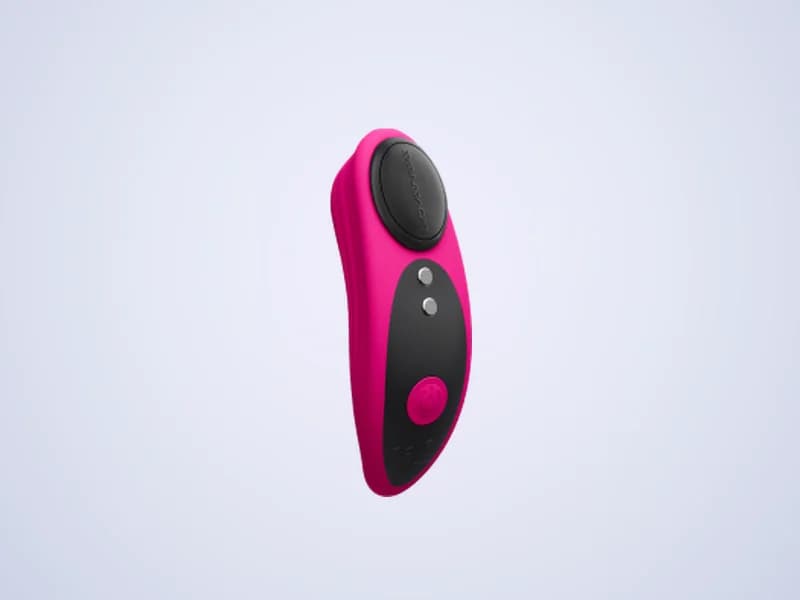
The Ferri is a small magnetic panty vibrator from Lovense. ToyController pairs with it over Bluetooth, with no Lovense app, so you or a partner can control it from a browser.
- Speed, stroke and patterns
- Phone and partner remote
- Funscripts with video
- Live streams: not available
How to connect the Lovense Ferri
- 1Charge the Ferri and turn it on.
- 2In ToyController, press Add a toy and pick Bluetooth toy.
- 3Open the phone screen and pair the Ferri there.
- 4Type the code the phone screen shows and press Connect.
Tips
- Close the Lovense app first. A Bluetooth toy can only talk to one app at a time.
Key facts
- Maker
- Lovense
- Connects with
- Bluetooth, paired in Chrome or Edge
- Motion
- Vibration that follows your speed setting
Lovense Ferri questions
Do I need the Lovense Remote app for the Ferri?
No. ToyController pairs with the Ferri in the browser. Close Lovense Remote first so it does not hold the connection.
Can my partner control my Lovense Ferri?
Yes. Pair it, then press Use a phone remote and send the link to your partner.
Can the Lovense Ferri play funscripts?
Yes. Open Scripts, pick the Ferri and choose a .funscript file. Its vibration follows the script, with a video if you like.